Business directories in Singapore with a free listing, from Yellow Pages Singapore to Streetdirectory, and how a small business picks and completes them.
Why Singapore Business Directories Matter in 2026
Singapore is one of the most mobile-first markets in the world: customers look up a clinic in Tampines or a café in Tanjong Pagar on Google Maps, check the reviews and go. Search engines decide which businesses to show by checking whether trusted sites agree on each business's name, address and phone number. Those mentions, called citations, come largely from business directories.
A focused set of accurate listings on the right directories helps you appear in the local map pack and builds trust with customers who browse directories directly. This guide lists the best Singapore business directories for 2026, which offer a free listing, and how to list so they actually help you rank.
Before you submit anything, see where you are already listed: Brainito's Local Citation Checker searches the major directories for your business name and city, links every listing it finds and flags the ones where your phone number does not match. Fix those first, because a wrong listing does more harm than a missing one.
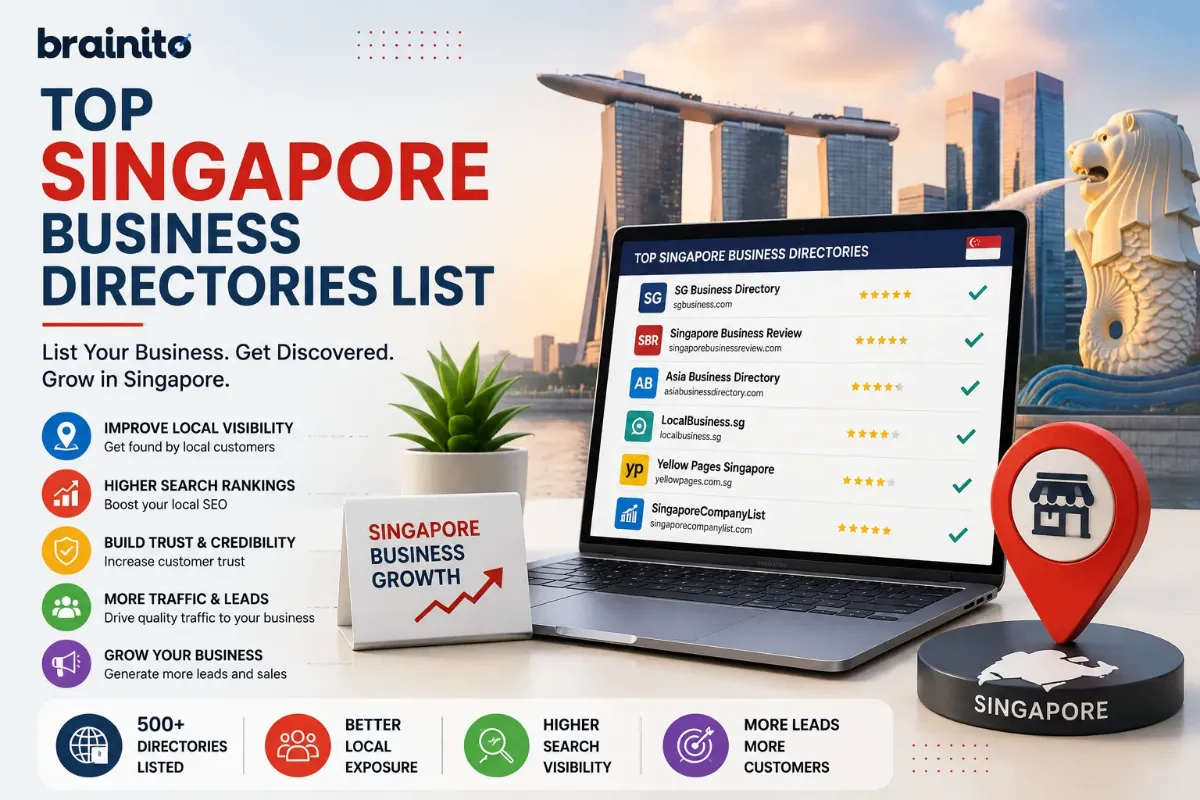
Singapore Business Directories List at a Glance
| Directory | Free listing | Best for |
|---|---|---|
| Google Business Profile | Free | Every business; by far the most used in Singapore |
| Apple Business Connect | Free | Apple Maps and iPhone searches |
| Bing Places for Business | Free | Bing and Microsoft Copilot |
| Facebook Page | Free | Reviews, messaging and local discovery |
| Yellow Pages Singapore | Basic listing (paid packages exist) | Singapore's best-known business directory |
| Streetdirectory | Business listing available | Map-based business finder used by locals |
| SGPBusiness | Claim your company profile | Company profiles built from public registry data |
| Hotfrog Singapore | Free | Quick extra citation for any business |
| Foursquare | Free | Location data used by many apps and maps |
| Tripadvisor | Free | Restaurants, attractions and hotels |
| Burpple | Free | Food and beverage reviews |
| Carousell | Free | Local services and small businesses |
Start with the first five, then add the directories that match your industry.
The Essential Listings: Start Here
Google Business Profile is the most important listing in Singapore by a wide margin: it decides how you appear in Google Maps and in searches like "near me". Verify it, choose the most specific category, add your unit number and postal code exactly, and keep public holiday hours up to date.
Apple Business Connect controls your Apple Maps place card for the many iPhone users in Singapore. Bing Places covers Bing and Microsoft Copilot and can import your Google details quickly.
Facebook remains widely used for local discovery and messaging in Singapore; keep its details identical to Google.
Singapore Web Directories and Business Listing Sites Worth Using
Yellow Pages Singapore moved fully online after ending its print directory and remains the best-known local business directory, covering well over a hundred thousand businesses. Create or claim your listing with your full details; its paid packages are optional.
Streetdirectory is a map-based directory many Singaporeans use to find addresses, with a business finder covering services from salons to renovation contractors. A listing there helps people who search by location.
SGPBusiness and similar company-information sites publish profiles of registered companies from public registry data. Search for your company, check that the details are correct and claim the profile where the site allows it, so the information people find matches your Google listing.
Hotfrog Singapore and Foursquare are free and add consistent citations in minutes.
Industry Directories in Singapore
- Food and beverage: Burpple, Tripadvisor, Chope for reservations, and the delivery platforms you use.
- Home services and renovation: Carousell services listings, plus industry portals for renovation and interior design.
- Healthcare and wellness: clinic and practitioner directories in your specialty.
- Professional and B2B services: your trade association's member directory and the Singapore Business Federation, plus chamber of commerce listings for your sector.
Membership directories from associations carry extra trust because they verify members, so add yours if you qualify.
How to Get a Free Business Listing in Singapore
You can build a strong set of Singapore business listings without paying for any of them. What matters is preparing your details once and entering them the same way everywhere.
- Write one master version of your details. Use your registered business name, your address with block, street, unit number and six-digit postal code, and one main phone number with the +65 country code where a directory asks for it.
- Start with the free essentials. Google Business Profile, Apple Business Connect, Bing Places and Facebook all offer a free listing and cover the maps and searches most customers use.
- Add the Singapore directories next. Create or claim your basic listing on Yellow Pages Singapore, then add Streetdirectory, Hotfrog Singapore and Foursquare. Check your company profile on SGPBusiness matches your other listings.
- Add the sites for your industry. Food and beverage businesses should add Burpple and Tripadvisor. Home services and small businesses can add Carousell.
- Decline upsells you do not need. Several directories offer paid packages. The basic listing is what gives you the citation, so only pay where your customers actually browse.
- Claim before you create. Search your business name on each site first. If a listing already exists, claim and correct it instead of making a duplicate.
Keep a simple sheet with each directory, its login and the date you last checked it. To see which Singapore directories already list you and whether your phone number matches, run Brainito's local citation checker with your business name and area.
How to List Your Business So It Ranks
1. Write down one master version of your details
Decide the exact business name, address and phone number you will use everywhere, formatted the way your Google Business Profile shows it. Use your real trading name with no added keywords, a full Singapore address in the local format, and one main phone number with the country code where a directory asks for it.
2. Claim before you create
Many directories already have a listing for you, built from public data. Search for your business first and claim the existing listing; creating a second one splits your reviews and confuses search engines.
3. Fill in every field
Add your primary category and the closest secondary ones, opening hours, website, a description written for customers, real photos of your premises, team and work, and the areas you serve. Complete profiles rank better inside each directory and send stronger signals to Google.
4. Ask for reviews where your customers are
A listing with recent reviews outperforms an empty one. Ask happy customers to review you on Google first, then on the one or two directories that matter most in your industry.
5. Recheck every few months
Directories pull data from each other, so an old address can reappear after a move. Re-run a citation check every quarter and correct anything that has drifted.
How a Small Business Should Choose and Complete Its Listings
A small business does not need every directory on this list. It needs the few that its customers browse and that Google shows for its services. Before you open an account anywhere new, put each site through a few quick checks.
- Search like a customer. Type your service and area into Google, for example "aircon servicing Bedok". Note which business directories appear on the first page. Those are the listings worth completing first.
- Check that competitors are there. If similar businesses near you have active profiles with recent reviews, customers are likely using that site.
- Open a sample listing. A useful directory shows the business name, address and phone number as plain text on a public page, with categories and opening hours. If listings are hard to find or buried in ads, skip it.
- Look for signs of life. Recent reviews, new listings and current photos tell you people still use the site.
- Test before you pay. Run the basic listing for a few months and ask new customers how they found you. Only consider a paid package if that directory is sending enquiries.
When you complete a listing, write the description for a customer, not for a search engine. Say what you do, which parts of Singapore you serve and why a customer should pick you, in two or three short sentences. Choose the category a customer would choose. Link to the page on your website that matches the listing, such as your service page rather than your homepage. Add a photo of your shopfront or building entrance so people recognise it when they arrive.
Finally, note which listing each new enquiry came from. After a few months you will know which directories are worth keeping up to date.
Find Your Existing Listings in One Check
Before you submit anything, see where you are already listed: Brainito's Local Citation Checker searches the major directories for your business name and city, links every listing it finds and flags the ones where your phone number does not match. Fix those first, because a wrong listing does more harm than a missing one.
If you are an agency or web designer in Singapore, the Businesses Without a Website Finder lists local businesses with no website by category and area, straight from Google Maps.
Frequently Asked Questions
Which business directories are free in Singapore?
Google Business Profile, Apple Business Connect, Bing Places, Facebook, Hotfrog Singapore, Foursquare, Tripadvisor and Burpple all offer free listings. Yellow Pages Singapore offers a basic listing with optional paid packages.
What is the best business directory in Singapore?
Google Business Profile, because it controls your appearance in Google Maps and local search, which most customers in Singapore use. After that, Yellow Pages Singapore is the best-known local directory.
How many directories should a Singapore business list on?
Most local businesses do well with 10 to 20 accurate listings: the essentials, the Singapore directories above and the ones for their industry.
How should I write my Singapore address in listings?
Use the same format everywhere, including block and street, unit number and the six-digit postal code, exactly as on your Google Business Profile. Small differences such as "#03-12" versus "03-12" are worth keeping consistent.